


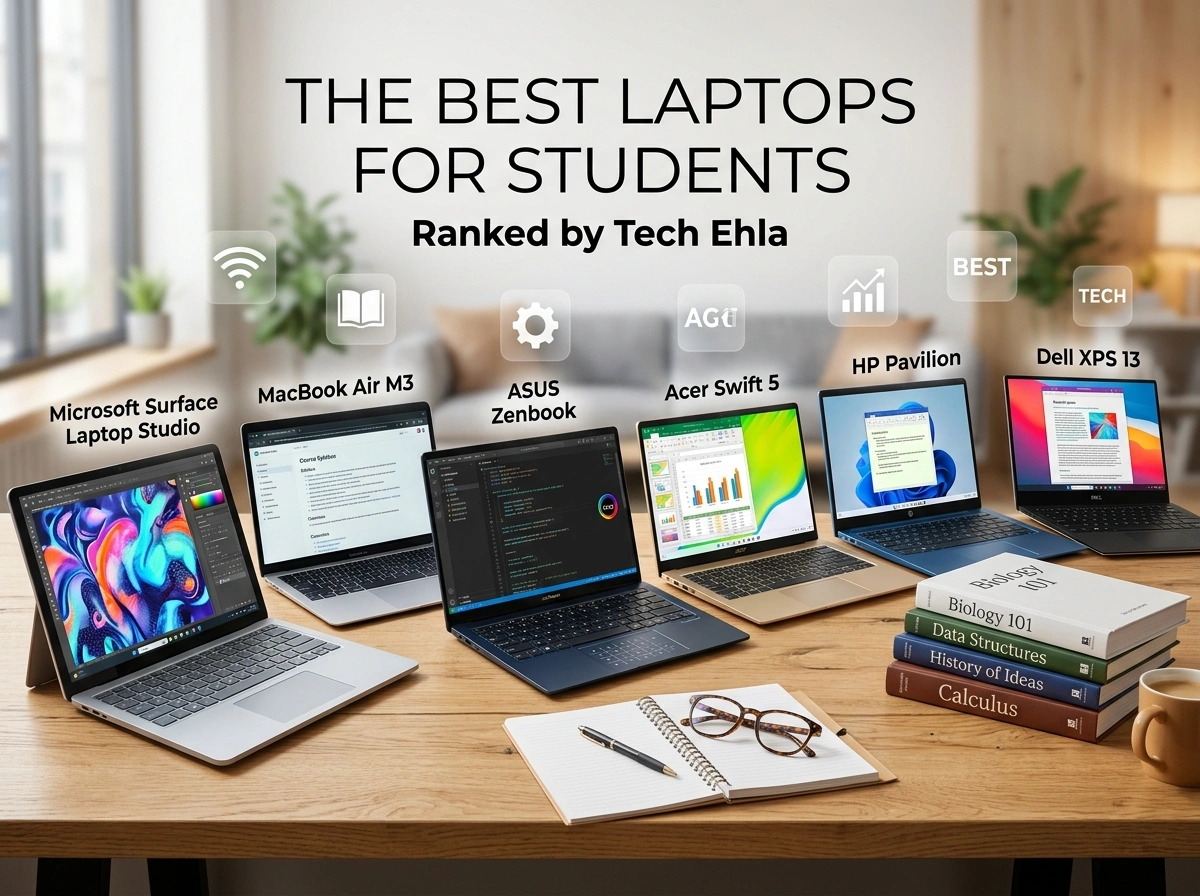
Picking the right laptop can shape your entire academic experience. Whether you’re writing late-night essays, running heavy design software, or joining virtual lectures from a dorm room, your laptop is the one tool you’ll rely on every single day. A machine that’s too slow, too heavy, or too expensive can hold you back. The right one keeps you productive, focused, and stress-free.
The tech experts at tech ehla tested and ranked the best student laptops across every budget and use case. From wallet-friendly picks to powerful creative workstations, here are the machines that earned top marks for students in 2026.
Why the Right Laptop Matters for Students
College and high school have never been more digital. Assignments live in the cloud, group projects happen over video calls, and entire courses depend on specialized software. A reliable laptop isn’t a luxury anymore. It’s a core part of academic success.
But students have unique needs. You want something portable enough to carry across campus, tough enough to survive backpack chaos, and affordable enough to fit a student budget. Battery life matters when outlets are scarce. Performance matters when deadlines pile up. The best student laptop balances all of these without forcing you to overspend.
Let’s break down the top picks by category.
Best Budget Laptop: Acer Aspire 3
Not every student can drop a thousand dollars on a laptop, and you shouldn’t have to. The Acer Aspire 3 proves that affordable can still mean capable.
Key specs:
- AMD Ryzen 5 processor
- 8GB RAM (upgradeable to 16GB)
- 512GB SSD storage
- 15.6-inch Full HD display
Why students love it: Priced around $400, the Aspire 3 handles everyday tasks like word processing, web browsing, streaming, and video calls without breaking a sweat. The SSD keeps boot times fast, and the roomy screen makes long study sessions easier on your eyes. It’s the smart choice for freshmen who need reliable performance without draining their savings.
Pros: Excellent value, upgradeable memory, solid all-day performance for basic tasks.
Best Chromebook: Google Pixelbook Go
If your coursework lives entirely in Google Docs, Canvas, and your browser, a Chromebook might be all you need. The Pixelbook Go leads this category with style and simplicity.
Key specs:
- Intel Core i5 processor
- 8GB RAM
- 128GB storage
- 13.3-inch touchscreen display
Why students love it: ChromeOS is lightweight, secure, and virtually maintenance-free. The Pixelbook Go boots in seconds, updates automatically, and rarely slows down. Its featherweight design (just over 2 pounds) makes it perfect for students who move between classes all day. Battery life stretches past 12 hours, so you can leave the charger at home.
Pros: Incredible battery life, ultra-portable, fast and secure operating system.
Best Mid-Range Laptop: Apple MacBook Air (M3)
The MacBook Air remains a campus favorite for good reason. The M3 chip delivers premium performance at a price that mid-range shoppers can justify.
Key specs:
- Apple M3 chip
- 8GB unified memory (16GB recommended)
- 256GB SSD
- 13.6-inch Liquid Retina display
Why students love it: The M3 handles multitasking, photo editing, and even light video work with ease, all while staying completely silent thanks to its fanless design. Battery life easily lasts a full day of classes. macOS integrates seamlessly with iPhones and iPads, which many students already own. It’s a polished, reliable machine that feels premium without the top-tier price.
Pros: Outstanding battery life, silent operation, beautiful display, strong resale value.
Best Windows Ultrabook: Dell XPS 13
For students who want a sleek, powerful Windows machine, the Dell XPS 13 sets the standard. It’s thin, gorgeous, and packed with performance.
Key specs:
- Intel Core Ultra 7 processor
- 16GB RAM
- 512GB SSD
- 13.4-inch InfinityEdge display
Why students love it: The nearly borderless screen packs a large display into a compact body, so you get more workspace without more weight. It’s ideal for note-taking, research, and juggling dozens of browser tabs. The build quality feels premium, and the keyboard is a joy for typing lengthy papers. If you want Windows in a package that rivals the MacBook Air, this is it.
Pros: Stunning display, premium build, strong everyday performance, compact design.
Best 2-in-1 Convertible: Lenovo Yoga 7i
Some students learn best by writing, sketching, or annotating directly on screen. The Lenovo Yoga 7i flips, folds, and adapts to however you study.
Key specs:
- Intel Core Ultra 5 processor
- 16GB RAM
- 512GB SSD
- 14-inch touchscreen with stylus support
Why students love it: The 360-degree hinge lets you switch between laptop, tablet, and tent modes in seconds. Art students can sketch, engineering majors can mark up diagrams, and everyone can enjoy a movie in tent mode. The included stylus support makes digital note-taking feel natural. It’s flexibility and function rolled into one.
Pros: Versatile design, stylus support, solid performance, great for creative work.
Best Gaming and Creative Laptop: ASUS ROG Zephyrus G14
Gamers, video editors, and design students need serious horsepower. The ASUS ROG Zephyrus G14 delivers desktop-level performance in a surprisingly portable frame.
Key specs:
- AMD Ryzen 9 processor
- NVIDIA GeForce RTX graphics
- 16GB RAM (expandable)
- 14-inch high-refresh-rate display
Why students love it: This machine crushes demanding tasks like 3D rendering, video editing, and modern gaming. Yet it stays compact enough to carry to class. Students in film, engineering, computer science, and design programs will appreciate the raw power. When the workday ends, it doubles as a fantastic gaming rig.
Pros: Powerful graphics, portable for its class, handles heavy creative software with ease.
Best Premium Pick: Apple MacBook Pro 14 (M3 Pro)
When you need the absolute best and budget isn’t the main concern, the MacBook Pro 14 stands at the top.
Key specs:
- Apple M3 Pro chip
- 18GB unified memory
- 512GB SSD
- 14.2-inch Liquid Retina XDR display
Why students love it: The M3 Pro chip breezes through the most demanding workloads, from professional video editing to complex data analysis. The display is one of the best on any laptop, with rich colors and deep contrast that photographers and designers dream about. Battery life is exceptional, and the build quality is flawless. It’s an investment that will carry serious students through years of study and beyond.
Pros: Elite performance, best-in-class display, incredible battery life, built to last.
How to Choose the Right One for You
With so many strong options, the best laptop depends on your major, your habits, and your budget. Here’s a quick guide:
- Tight budget? The Acer Aspire 3 or a Chromebook covers the basics.
- Live in your browser? The Pixelbook Go is light and worry-free.
- Want balance? The MacBook Air M3 or Dell XPS 13 hits the sweet spot.
- Love touch and flexibility? The Lenovo Yoga 7i adapts to your style.
- Need power? The ROG Zephyrus G14 or MacBook Pro 14 handles anything.
Think about how you’ll actually use your laptop day to day. A journalism student has very different needs than an animation major. Match the machine to your workload, and you’ll get far more value for your money.
Final Thoughts
The right laptop supports your goals instead of getting in your way. Every pick on this list earned its spot by delivering real value for students, whether that means all-day battery life, professional power, or an unbeatable price. Choose based on your major, your budget, and how you like to work, and you’ll set yourself up for a smoother, more productive academic year.
Your studies deserve a machine that keeps up. Pick one from this list, and you’ll be ready for whatever your coursework throws at you.

