


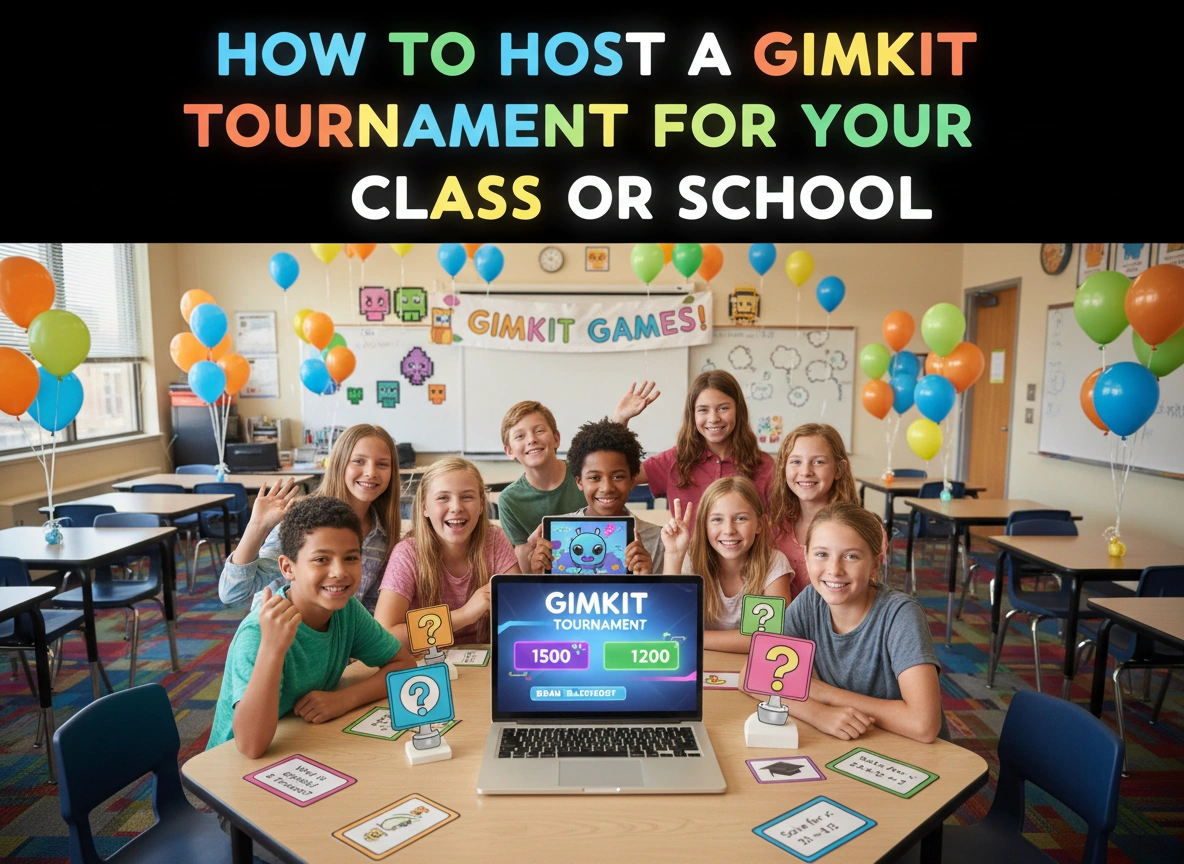
Gimkit has transformed the digital classroom, turning standard review sessions into exciting, game-show-style competitions. While it excels in daily use, its potential skyrockets when you organize a full-blown tournament. A well-run Gimkit tournament can energize your students, foster healthy competition, and create a memorable learning experience for a single class or an entire school.
This guide provides everything you need to know to host a successful Gimkit tournament. We will explore how to plan the event, set up the games, engage participants, and manage the process from start to finish. Whether you’re a seasoned Gimkit pro or new to the platform, you’ll find actionable steps to create an event that students will talk about for weeks.
What is Gimkit and Why Use It?
Gimkit is an online quiz learning game designed by a high school student to make learning more engaging. It combines elements of a live quiz game with strategic gameplay and in-game “power-ups” that students can purchase with points earned from answering questions correctly. This unique blend of knowledge and strategy keeps students on their toes and invested in the outcome.
The benefits of using Gimkit in an educational setting are numerous:
- Increases Engagement: The fast-paced, competitive nature of the game captures students’ attention and makes learning feel less like a chore.
- Reinforces Knowledge: Students answer questions repeatedly to earn in-game currency, which helps reinforce concepts and improve content mastery.
- Encourages Strategic Thinking: The ability to buy upgrades and power-ups adds a layer of strategy, requiring students to think critically about how to best use their earnings.
- Builds Classroom Community: A friendly competition can bring students together, fostering a positive and collaborative classroom environment.
Planning Your Gimkit Tournament
Careful planning is the foundation of a smooth and exciting tournament. Rushing into the event without a clear structure can lead to confusion and technical hiccups. Break down your planning process into these key stages.
Defining the Scope: Class vs. School-Wide
First, decide on the scale of your tournament. Will this be a small event for a single class, a competition between several classes, or a large-scale event for the entire school? Your decision will impact logistics, scheduling, and the complexity of the tournament structure.
- Classroom Tournament: This is the simplest to organize. You can run it during a single class period or over a few days. It’s an excellent way to review for a test or cap off a unit.
- Grade-Level or Multi-Class Tournament: This involves coordinating with other teachers. You might have preliminary rounds in individual classrooms, with the winners advancing to a final round.
- School-Wide Tournament: This requires significant planning and support from school administration. It’s a fantastic way to build school spirit during a spirit week or as a special year-end activity. You’ll need to consider a larger venue, a robust tournament bracket, and a clear communication plan.
Creating the Content: The “Kit”
The heart of any Gimkit game is the “Kit” — the set of questions students will answer. The quality of your questions will directly impact the educational value of the tournament.
- Choose a Topic: Align the questions with your curriculum. It could be a review for a specific unit (e.g., The American Revolution), a cumulative review for a semester final, or even a fun, non-academic topic for a spirit event (e.g., school trivia, pop culture).
- Write Clear Questions: Ensure questions are unambiguous and have a single correct answer. For multiple-choice questions, make the distractors plausible but incorrect.
- Vary the Difficulty: A good Kit includes a mix of easy, medium, and hard questions. This ensures that all students can participate and feel successful while still challenging your top performers. For a large-scale tournament, consider making early rounds easier and increasing the difficulty as students advance.
- Utilize KitCollab: If you’re organizing a multi-class event, use Gimkit’s KitCollab feature. This allows multiple teachers to contribute questions to a single Kit, distributing the workload and ensuring a diverse set of questions.
Structuring the Tournament
How will you determine the winner? A clear tournament structure is essential.
- Single Elimination: This is a straightforward format. Winners of each game advance, and losers are eliminated. It’s fast and works well for large groups.
- Round Robin: Every player or team plays against each other once. This format is more comprehensive but takes longer, making it better suited for smaller classroom tournaments.
- Hybrid Model: For larger events, consider a hybrid approach. Start with a few “qualifying” rounds where everyone plays. Use the total earnings from these rounds to seed a single-elimination bracket for the top 8 or 16 players. This gives everyone a chance to play multiple times before the high-stakes elimination rounds begin.
Setting Up and Running the Event
With your plan in place, it’s time to set up the technical side and prepare for game day.
Technical Setup and Game Settings
Before the tournament begins, familiarize yourself with Gimkit’s game modes and settings.
- Choose the Right Game Mode: While “Classic” is always a great choice, Gimkit offers other modes that can spice up a tournament. “Humans vs. Zombies” could be a fun final round, or “Trust No One” could be used for a qualifying round to identify top players. For most tournament structures, “Classic” mode with a “Time” or “Race” goal works best.
- Adjust Game Settings: In the game options, you can customize the experience. For a tournament, consider:
-
- Starting Cash: Give everyone a small amount of starting cash to get them into the game quickly.
- Handicaps: Turn off handicaps to ensure a level playing field.
- Join In Late: Disable this feature to prevent students from joining mid-game.
- Music and Sound Effects: Keep these on to add to the excitement, but be prepared for the noise!
Game Day Execution
On the day of the tournament, your role shifts from planner to host and moderator.
- Communicate the Rules Clearly: Before the first game begins, review the rules, tournament structure, and expectations for sportsmanship. Make sure everyone understands how winners are determined and how to advance.
- Use a Central Display: Project the Gimkit waiting screen and the live leaderboard onto a large screen or smartboard. This becomes the focal point of the event and allows everyone to track the action.
- Act as the Announcer: Your energy can make or break the event. Announce the game code clearly. Provide a play-by-play commentary during the game. Highlight players who are climbing the leaderboard, mention when someone uses a power-up, and build suspense as the clock winds down.
- Manage the Bracket: If you are using a bracket, update it in real-time. You can use a physical whiteboard or a digital tool like Google Sheets or a dedicated bracket generator website. Displaying the updated bracket helps everyone follow the tournament’s progress.
Tips for a Smooth Tournament Experience
For Classroom Tournaments:
- Team Up: Instead of individual play, place students in pairs or small groups. This encourages collaboration and supports students who may be less confident with the material.
- Offer Small Prizes: The prize doesn’t have to be big. Bragging rights, a homework pass, or being first in the lunch line are often motivation enough.
- Run a “Second Chance” Bracket: For students eliminated in the first round, run a separate, informal game so they can continue playing and reviewing the content.
For School-Wide Tournaments:
- Recruit Help: You can’t do it alone. Enlist other teachers, student council members, or parent volunteers to help manage logistics, monitor students, and update brackets.
- Secure a Venue: A gymnasium, auditorium, or library is ideal for a large event. Ensure you have adequate Wi-Fi, power outlets, and a good projection system.
- Promote the Event: Generate excitement beforehand. Create flyers, make school announcements, and post on the school’s social media pages. A well-promoted event will have higher participation and a more energetic atmosphere.
- Plan for Spectators: In the final rounds, consider inviting other classes or parents to watch. A cheering audience can make the final match feel like a major sporting event.
Conclusion: More Than Just a Game
Hosting a Gimkit tournament is an investment in your students’ learning and your school’s culture. It takes what students love about video games—competition, strategy, and instant feedback—and channels it into a powerful educational tool. By following these steps, you can create an engaging, memorable, and academically valuable event that goes far beyond a typical review session. You are not just hosting a game; you are building an experience that makes learning genuinely exciting.
Please visit website for more info.

