

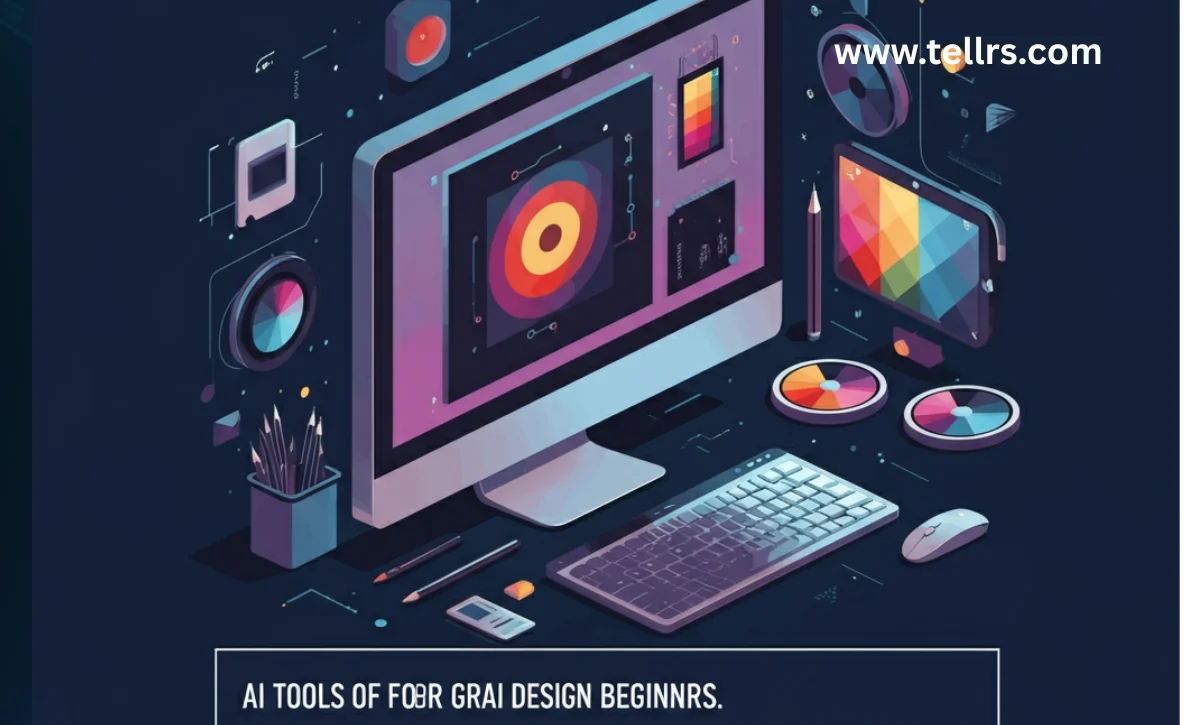
Starting out in graphic design is both thrilling and intimidating. With countless programs and resources out there, it can be hard to know where to begin. Thankfully, recent innovations have made it simpler than ever for anyone—regardless of experience—to craft impressive visuals, design logos, or build captivating layouts with just a few easy steps.
In this guide, you’ll find a curated look at some of the most accessible tools for graphic design newcomers. We’ll discuss how these tools help you create, why they’re great for learning, and how you can jump in to make stunning projects even as a beginner. Let’s open the door to your creativity and simplify your first steps into design.
What Makes Design Tools Helpful for Beginners?
Graphic design tools for beginners are designed to take the pressure off. Rather than facing a blank screen with dozens of unfamiliar buttons, you get easy-to-understand interfaces that guide you step by step. Templates, pre-built palettes, and customizable layouts help you focus on making something you love instead of fumbling through technical hurdles. The best part? You can experiment freely, make mistakes, and develop your style along the way.
Making the Design Process Easier
Many modern tools simplify tasks that used to take hours. Instead of drawing every shape by hand or picking colors from scratch, you can click a button to see ready-made suggestions, swap styles, or test multiple ideas instantly. These features are a lifesaver when you’re still building your confidence.
Why Beginners Thrive with These Tools
Traditional design software can overwhelm you with advanced functions before you’ve mastered the basics. Beginner-friendly platforms offer guided prompts, simple controls, and lots of starting points. This helps you feel accomplished and keeps you learning at your own pace—no design degree needed.
Top User-Friendly Design Platforms to Try
Finding the right app can make all the difference in your creative journey. Here are a few that are particularly kind to beginners and don’t require hours of tutorials to start producing eye-catching work:
- Canva: Canva’s simple drag-and-drop system is a favorite for new designers. Hundreds of templates make social posts, posters, or invitations a breeze. You can personalize images, try stylish fonts, and build multi-page presentations—all without feeling overwhelmed. For more insights and tips, you can visit the official Canva Design School.
- Microsoft Designer: Geared toward quick and attractive results, Microsoft Designer lets you whip up gorgeous social graphics or cards just by describing what you need. The tool takes care of the layout and images.
- Adobe Express: Don’t let the “Adobe” name scare you off—Express is perfect for starters. Choose from templates or start with your own ideas, then fine-tune text, colors, and photos. It’s powerful yet approachable, making it easy to turn your inspiration into reality.
Creating Your First Logo: Step by Step
Logos are one of the most common design requests for beginners—and often the most daunting. Thankfully, a variety of logo makers walk you through the process:
Using a Logo Generator
Sites like Looka and LogoAI make logo design nearly foolproof. Simply enter your business name, choose an industry, and select a few styles you prefer. You’ll get back a range of designs that you can tweak until it feels just right.
Personalizing Your Logo
This is where you make your mark. Whether it’s a quick change to a font, picking a unique color palette, or adjusting an icon, these small personal touches are what give your logo its personality. Keep refining until you’re happy with how it fits your brand or project.
Bringing Concepts to Life with Text-Based Creation
Illustration skills aren’t required to make stunning images these days. Some tools let you describe what you want to see, and the software will build it for you. These creative assistants are perfect for anyone who struggles with drawing but has a vivid imagination.
- Midjourney: Known for turning descriptions into incredibly detailed pictures, Midjourney is popular with creative explorers. Type a phrase, receive several image options, and pick your favorite.
- DALL-E 3: If you can explain what you’re imagining, DALL-E 3 can craft an image to match. It’s especially good at producing clear, engaging pictures from natural language prompts.
- Ideogram: When you need images that include text—like banners or ads—Ideogram does a solid job, delivering graphics that blend visuals and words seamlessly.
Tips for Getting Creative Results
When you’re new to graphic design tools, remember: the more specific you are, the better your results. Here are some tips to keep in mind:
- Start with simple, clear ideas before adding more details.
- Try changing keywords, colors, or styles to see new results.
- Don’t be afraid to experiment. Mistakes often lead to your best work.
- Use templates as inspiration, then customize to make projects your own.
- Check out online communities for tips and feedback from fellow beginners.
Conclusion: You’re Ready to Create!
Getting started in graphic design doesn’t have to be intimidating. With tools that guide you, simplify the tough parts, and let you focus on your ideas, anyone can design something beautiful—even with zero experience. So jump in, try different platforms, and let yourself play and discover. You’ll be amazed at what you can make when you give yourself permission to learn and create.
Frequently Asked Questions
1. Can I use designs that I create for my business or personal brand?
Most platforms make it easy to download and use your completed designs however you like. Still, always double-check the usage rights before sharing or selling your work.
2. Should I eventually learn advanced design software?
Basic tools are great for starting out, but having some familiarity with programs like Photoshop or Illustrator opens even more doors as your confidence grows.
3. Are beginner design platforms free to use?
Many offer basic features at no cost, but you may find watermarks or limits on downloads. Unlocking the full range of features usually requires a subscription.
4. How do I improve my results on these platforms?
Be as detailed as possible in your project ideas, and don’t shy away from using templates or examples as starting points. The more you practice, the better your results will get.
5. Should graphic design beginners be worried about being replaced by technology?
Not at all. While tools help with the hard stuff, your creativity and perspective are unique—and that’s something technology can’t replace.
you may also read : How to Build a Simple AI Model

